The Guard App settings decide what an officer’s Guard handset asks, captures, prints and refuses at the checkpoint. They apply to every guard handset in the system.
Open Visitors in the sidebar, click Settings, and click the Guard App tile.
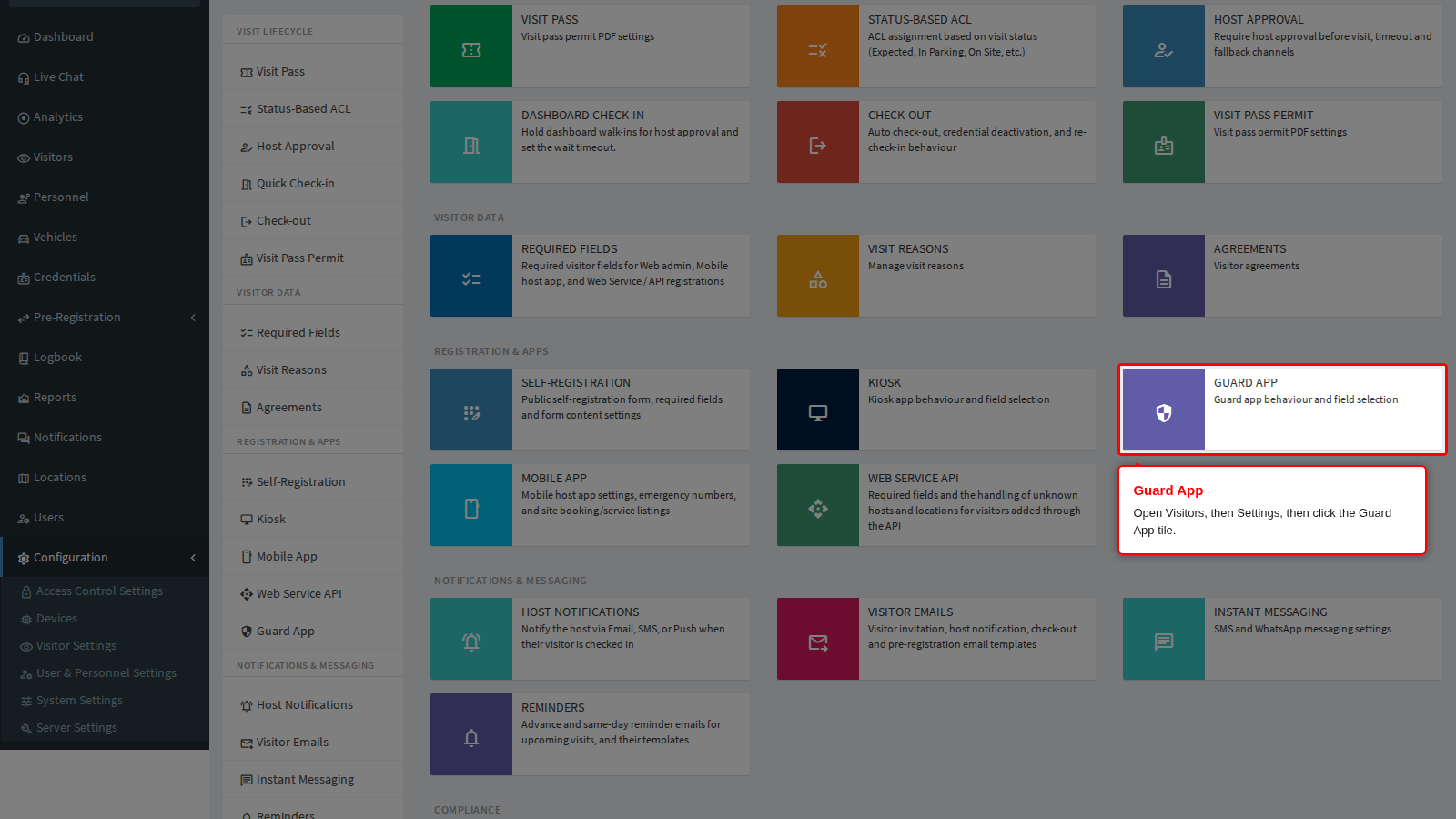
Each panel is documented on its own page in the Guard section:
- Officer Login - login methods and logging out after each transaction.
- Capture, Printing and Verification - document reading, face detection, badge printing, and driver and passenger verification.
- Driver Licence and Offline - licence expiry, alternative drivers and working without a network.
- Location - filing visits at the guard device’s location.
- Access Control - questionnaires, questions, and exit checks.
- ANPR - reading number plates with the handset camera.
- Temperature - screening thresholds.
- Fields - what the officer must and may capture.
- Host Approval at the Checkpoint - holding a walk-in until the host approves.
Setting up a new handset: Register the Device and Install the App. Something not working: Guard Troubleshooting.