Every time a visitor, a person or a user responds to an agreement on a kiosk, on the guard app or during a visit registration, EvTrack keeps a signed record of it, a declaration: who responded, when, every answer, and any captured signature. The agreements themselves are set up under Agreements. From this release each new declaration also keeps where it was signed.
Before you start
- Viewing declarations needs the declaration records permission. Ask an administrator if the Declaration Records tab is missing from your visitor pages.
- The location comes from the kiosk or guard device that captured the agreement. Assign each device to its location under Devices. A device without a location records the location of the visit instead, for example the location an invited visitor was invited to, and the declaration says so.
Step 1: Open the declaration records
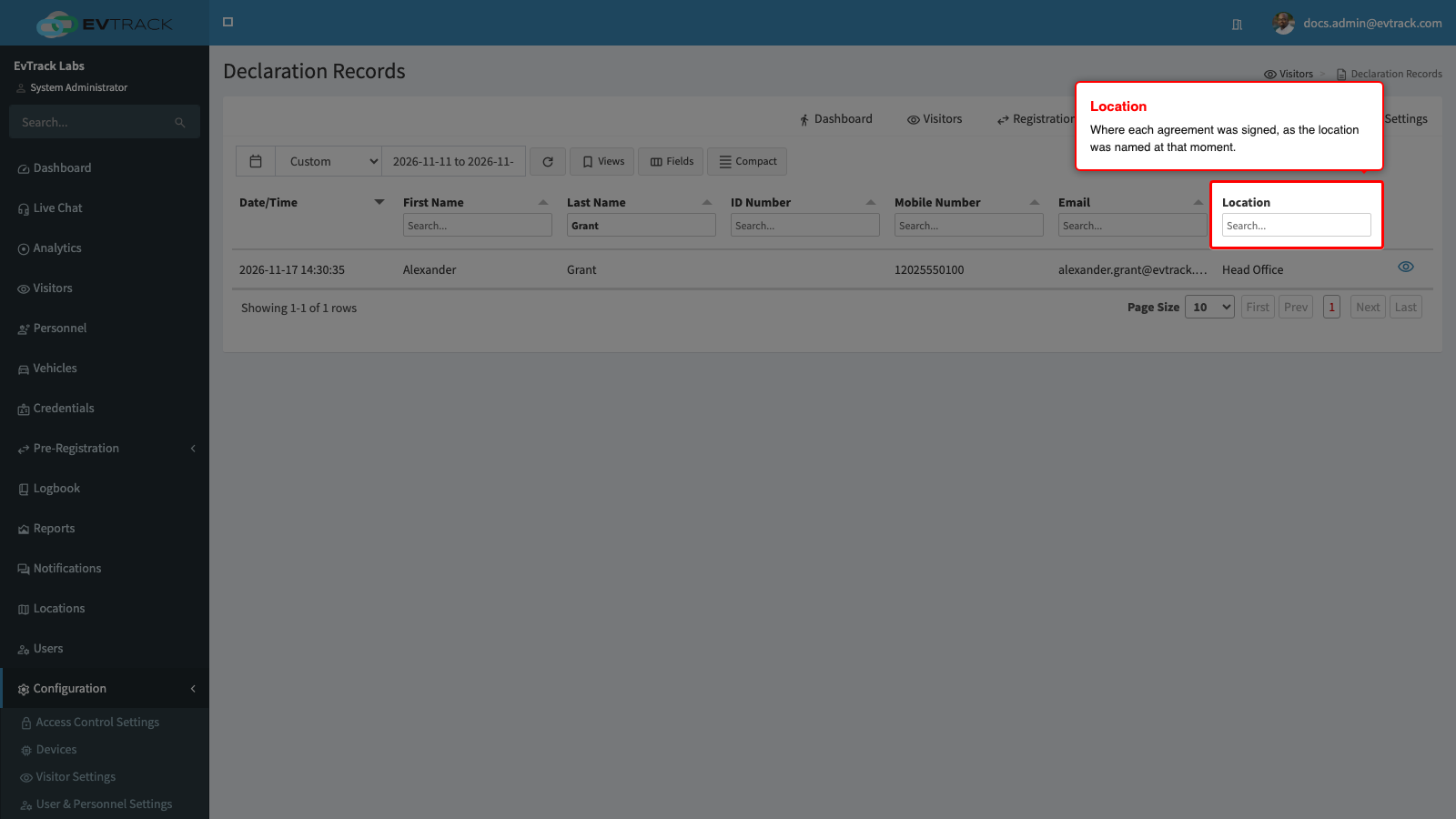
Open Visitors and select the Declaration Records tab. The list shows the declarations of the last seven days, newest first. The Location column shows where each agreement was signed; declarations signed before this release, or on a device with no location and no visit location, show a dash.
Step 2: Find the declarations signed at one location
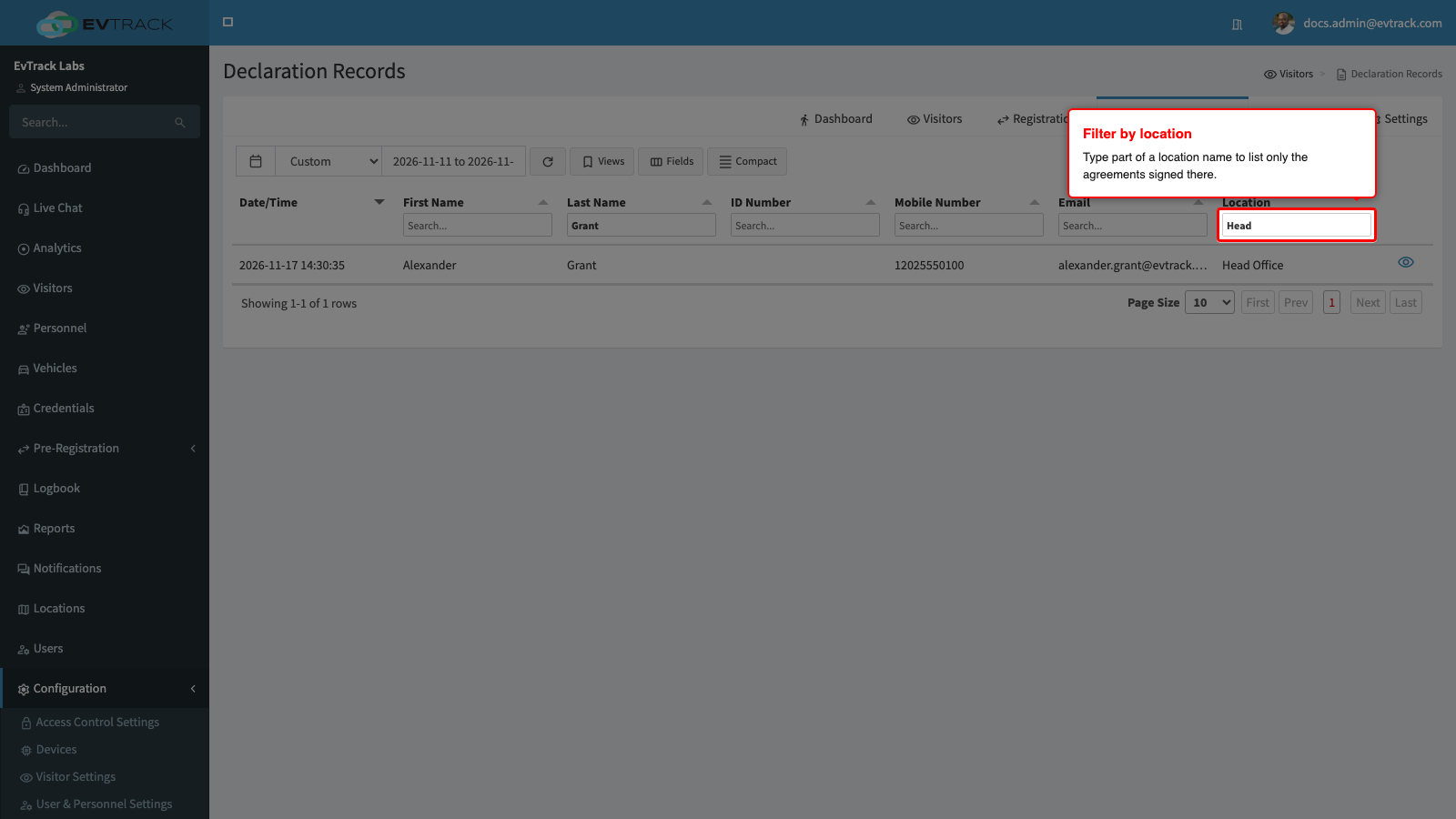
Type part of a location name into the search field under the Location heading. The list narrows to the declarations signed at matching locations.
Step 3: Open a declaration
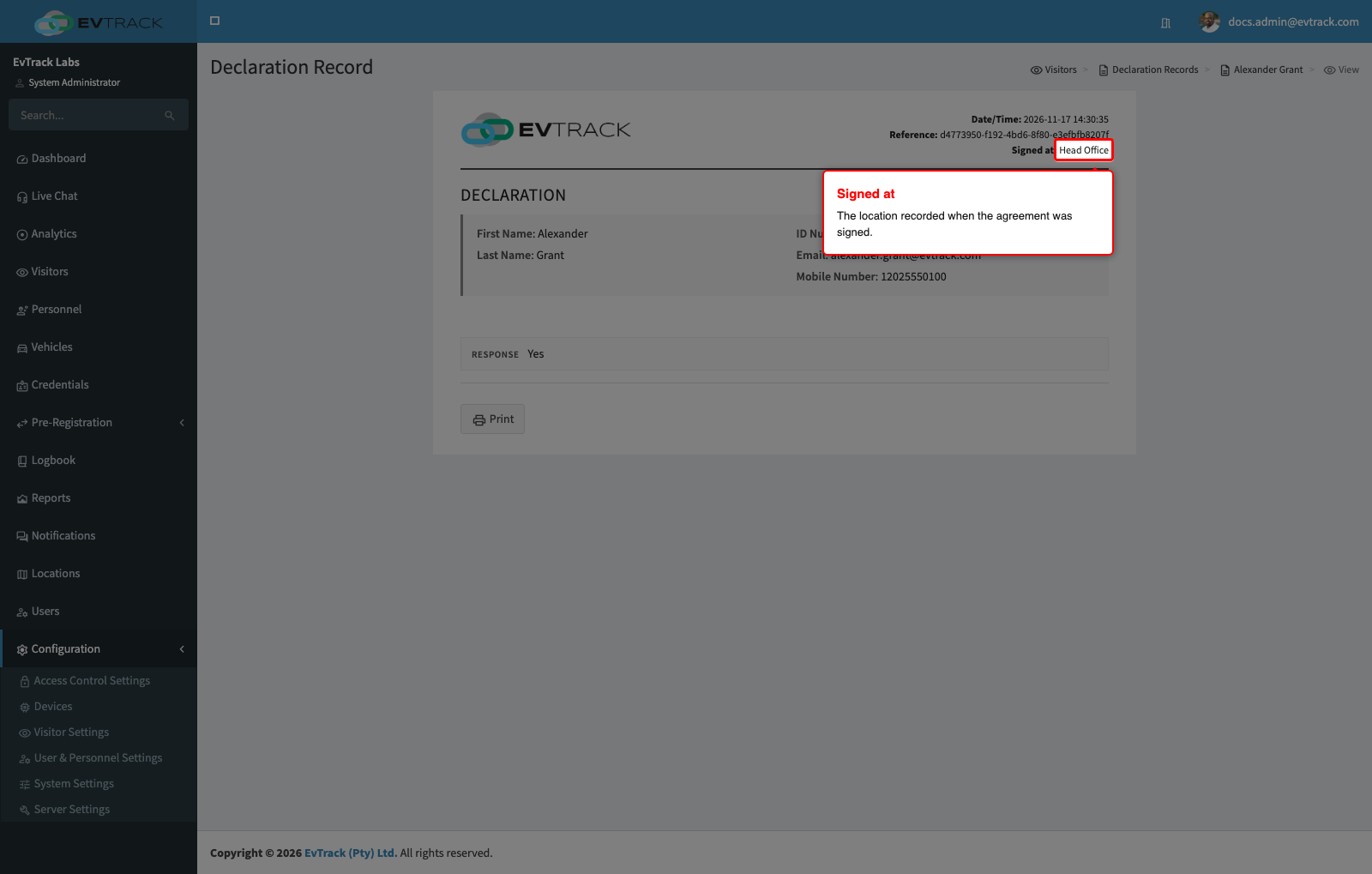
Click the view icon at the end of a row. The declaration shows every answer, the captured signature, and a Signed at line with the location. When the location came from the visit rather than from the device, the line adds “(from the visit)”.
Good to know
- The location name is recorded when the agreement is signed. Renaming the location later does not change it, and deleting the location keeps the recorded name.
- If your role has View visitors at my location or View and manage visitors at managed locations, the list shows the declarations signed at your locations and those of the visitors you can see. This follows the permission: if your home location or your managed locations are removed, you see only the declarations of the visitors you can still see. Users without either permission see every declaration in this system.
- A visitor’s declarations are also listed on the visitor’s profile, on the Declarations tab, with the same location. Which locations a visitor’s declarations were signed at follows the visitor, so a declaration signed elsewhere can appear for a visitor you can see.